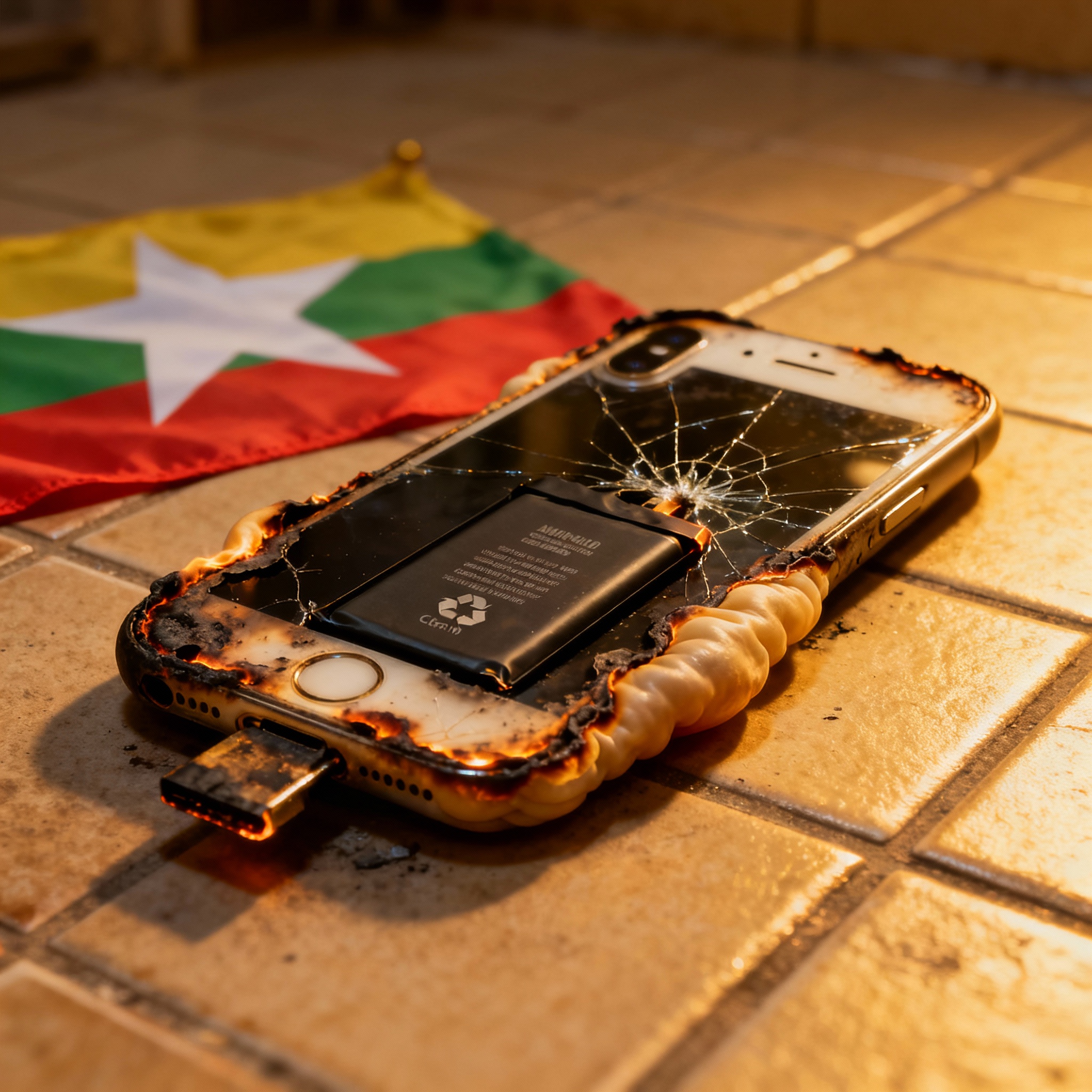

If you are an iPhone user in Myanmar, you may be concerned about recent reports of battery overheating or failure while charging. In this article, we share a true story of a Myanmar user who faced this issue and provide essential tips to keep your iPhone safe. Read on to learn how to handle iPhone battery emergencies and prevent dangerous situations during charging.
Myanmar iPhone Charging Incident: What Happened?
Recently, a Myanmar iPhone owner experienced a battery safety scare while charging their device at home. They noticed: The iPhone became extremely hot after being plugged in for a short time. A visible swelling appeared on the back of the phone. The device suddenly shut down and released a faint chemical odor.
Fortunately, there was no fire, but the user acted quickly to avoid further risk. Such cases are rare but important to address for the safety of all smartphone users in Myanmar.
Immediate Steps if Your iPhone Battery Overheats
If you ever face similar symptoms with your iPhone—or any smartphone—follow these urgent safety steps:
Stop charging immediately and unplug the device from any power source.
Move your phone to a non-flammable surface like a stone floor, away from bedding or paper.
Do not press or puncture the back of a swollen phone battery.
Avoid using the device until inspected by a qualified technician or Apple service center.
Contact Apple Support Myanmar or visit an authorized repair shop as soon as possible.
How to Prevent iPhone Battery Problems in Myanmar
To keep your iPhone battery healthy and avoid overheating incidents:
Only use original Apple chargers and certified charging cables. Counterfeit chargers, common in local markets, often lack safety features.
Don’t leave your phone charging overnight or when you’re not at home.
Keep your phone cool—avoid direct sunlight, especially during hot Myanmar months.
Check your iPhone’s battery health via device settings and follow system warnings.
Replace damaged chargers and cables quickly to prevent electrical problems.
Why Reporting Matters
If you experience any issue:
Record the incident’s date, time, and location.
Note the device model and serial number.
Take photos of any swelling or damage.
Contact local Apple Support in Myanmar or a trusted repair shop for help.
Protect Your iPhone and Your Home
Knowing how to react to iPhone battery emergencies helps safeguard your family and property. Myanmar users should always prioritize safety when charging devices and choosing accessories.
Have you experienced similar charging or battery problems with your iPhone in Myanmar? Share your story in the comments to help others stay informed!
By following these battery safety tips, you can keep your iPhone running safely and enjoy peace of mind every time you charge.